
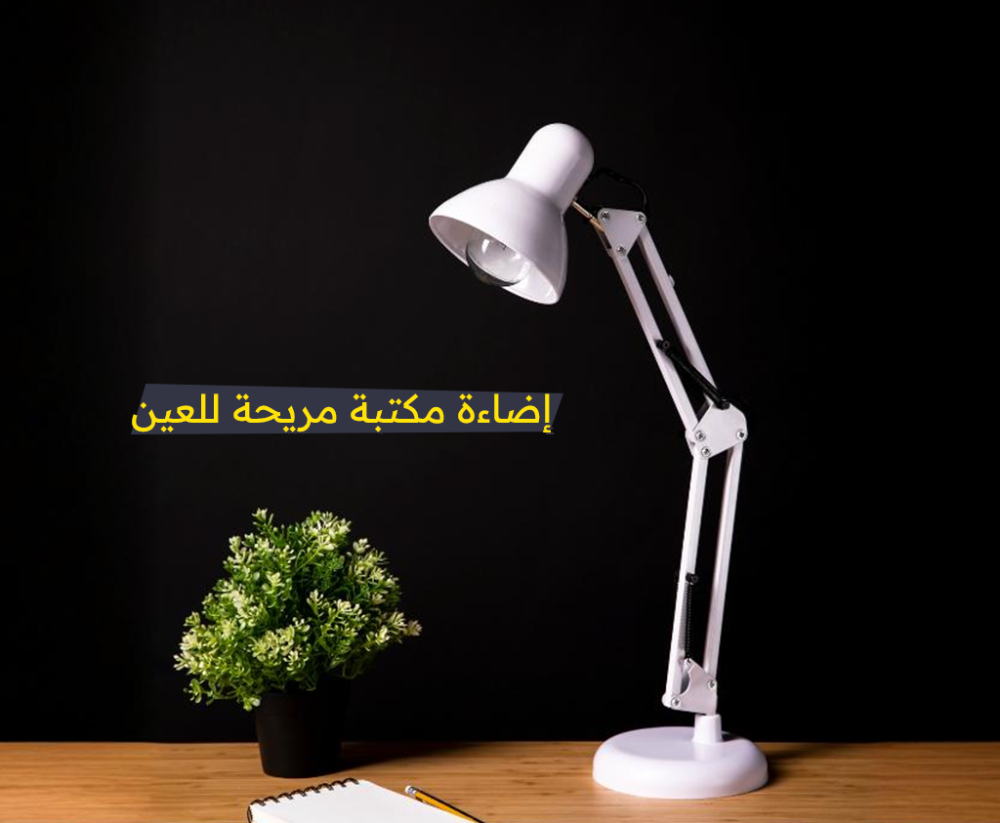
Do you often feel your eyes are tired while working or studying? Lighting might be the reason!
In today's digital world, where screens dominate both work and leisure, it's crucial to pay attention to your lighting conditions to protect your eyes from digital eye strain.
Many of us spend long hours at our desks — whether studying, working, or browsing the internet. Over time, this can lead to eye fatigue, burning, or even headaches.
Often, the issue isn’t just your screen, but your desk lighting — it might not be comfortable or appropriate.
In this guide from Fanoos, we'll take you through how to choose the best desk lighting to reduce eye fatigue, improve focus, and increase comfort. And if you're curious about bedroom lighting too, check out our blog: 'Tips for Choosing Bedroom Lighting in Your Home'.
Lighting and Eye Health: What’s the Connection?
When your desk lighting is too dim or too harsh, your eyes have to work harder to focus. This causes strain, headaches, and blurry vision, eventually leading to optic nerve fatigue.
Does that mean strong lighting is better? Not necessarily. Too much brightness can cause glare and eye discomfort, while insufficient lighting makes it harder to see and increases strain.
The ideal solution? Balanced, moderate, and well-positioned lighting.
How to Balance Desk Lighting at Home
1. Adjust Ambient Lighting to Reduce Eye Strain:
- Use Natural Light: Place your desk near a window to benefit from natural daylight. It improves visibility and helps reduce screen glare. Make sure light doesn’t directly hit your screen.
- Enhance Artificial Lighting: Complement natural light with artificial light sources to create the best environment.
- Use Adjustable Fixtures: Choose desk lamps with brightness control to match your task and comfort level.
- Avoid Strong Overhead Lights: They may cause glare and discomfort. Instead, go for diffused or indirect lighting that spreads evenly across your workspace.
- Choose the Right Bulbs: Look for lamps that mimic natural daylight, typically in the 5000K–6500K color temperature range. These provide a comfortable tone that reduces eye strain.
2. Minimize Glare and Reflections
- Optimal Screen Position: Place your monitor perpendicular to windows to benefit from natural light without direct reflections.
- Avoid Direct Light Sources: Do not place your screen directly in front of or behind light sources like bright windows or lamps. Instead, allow side lighting for indirect illumination.
Best Types of Desk Lamps
1. LED Lamps – Most Efficient:
- Long lifespan
- Low heat emission
- Energy saving
- Available in multiple light colors
2. Smart Lamps – Are They Worth It?
If you enjoy adjusting lighting remotely or changing light colors, smart desk lamps are a great choice. However, quality standard LED lamps are often sufficient for everyday use.
Additional Tips to Reduce Eye Strain
- Follow the 20-20-20 Rule: Every 20 minutes, look at something 20 feet away for 20 seconds.
- Avoid placing your screen directly opposite a window or strong light source.
- Don’t work in complete darkness or overly bright spaces — balance your lighting.
Choosing the best eye-friendly desk lighting is not a luxury — it’s a necessity for your health and productivity.
Make sure to go for an LED desk lamp or a high-quality desk light that balances brightness and color temperature. Avoid random lighting setups that may damage your vision over time.